Stencil My Tattoo: Turning Tattoo References into Printable Stencil Drafts with AI
Stencil My Tattoo: Converting Tattoo Imagery into Ready-to-Use Templates with AI #### What is Stencil My Tattoo? Stencil My Tattoo is a web-based tool, powered by artificial intelligence (AI),...

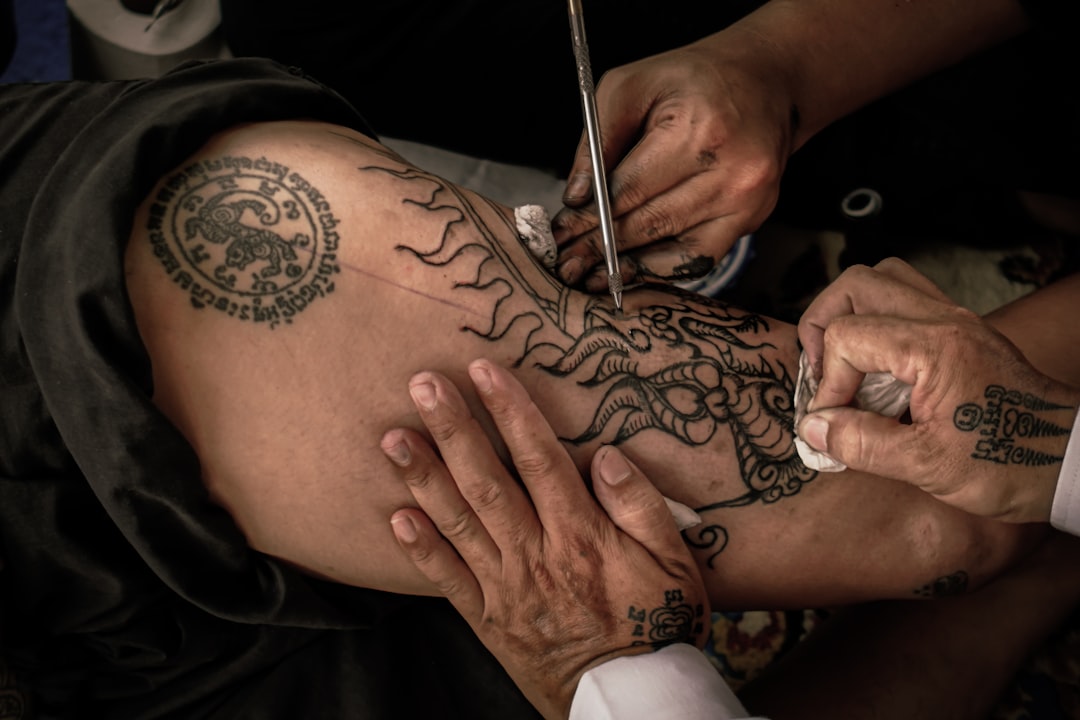
Stencil My Tattoo: Converting Tattoo Imagery into Ready-to-Use Templates with AI
What is Stencil My Tattoo?
Stencil My Tattoo is a web-based tool, powered by artificial intelligence (AI), that helps tattoo designers and artists transform any image into a tattoo design ready for work. The process involves processing the image to leave only the lines and contours that are easy to reproduce during a tattoo session.
How Does Stencil My Tattoo Work?
Using Stencil My Tattoo is simple and intuitive:
- Image Upload: You can upload any image or photo that serves as the source for your tattoo.
- Template Generation: AI processes the uploaded image and creates a template that can be used as a base for the tattoo.
- Editing and Comparison: After generating the template, you can review it and compare different versions to choose the one that best suits your design.
- Download and Use: You can download the chosen template variant and use it as a basis for discussing with a tattoo artist or further editing.
Why a Stencil Approach?
A stencil approach in working with tattoos allows you to see important aspects of the design earlier:
- Key Lines: Identifying which lines are central to the design.
- Silhouette Readability: Checking how the design will look in practice.
- Details and Density: Evaluating the density of details and their ease of reproduction.
- Placement on Skin: Previewing how the design will look on real skin.
These steps help improve communication between the client and the tattoo artist, ensuring a more accurate and satisfying result.
Product Features
Stencil My Tattoo is not just a demo version; it is a full-fledged product that includes all necessary steps such as image preparation, template generation, and its subsequent use.
Practical Tips
- Choose an Image: Select a clear and sharp image that reflects your design.
- Check Size: Ensure the size of the image is suitable for the tattoo.
- Color Application: Use black-and-white images for the best results.
- Feedback: Discuss the results with the tattoo artist before making a final decision.
Conclusion
Stencil My Tattoo provides a powerful tool for converting any images into tattoo templates, significantly simplifying the tattoo creation process. This tool allows for more precise and efficient work with designs until they are brought to life.